Installation is where robot mower ownership most often starts badly. Not because the machines are unreliable, but because the hardware an install demands varies enormously between models that otherwise look similar — and the spec sheets bury it.
This page ranks the models that need the least of you on day one, using the two specs that actually determine install effort, and it flags the trap that catches people who only check one of them.
The two specs that decide install effort
Every robot mower needs a base station. Every model in our catalog does, without exception, so "no installation required" never means no dock. It needs mains power and a level spot with clearance, and that is the fixed cost of ownership for every machine here.
What actually varies is the other two:
Does it need an RTK antenna? Five of our 37 models do, and several network-RTK models fall back to one where coverage doesn't reach. An RTK antenna needs a clear view of the sky, which in practice means a mast, a roof or fence mount, and a cable run back to the dock. On a wooded lot it can mean choosing between a good antenna position and a convenient dock position. This is the most awkward part of a robot mower install and the one people underestimate.
Does it need a boundary wire? Two models do. A boundary wire is pegged or buried around the entire perimeter and around every bed, tree ring, and obstacle. It is the most labour-intensive install in the category by a wide margin, and it makes future landscaping changes a re-wiring job.
Thirty-two models need no antenna. Thirty need neither antenna nor wire. Those thirty are the honest shortlist for a simple install.
The trap: antenna-free is not the same as easy
The Husqvarna Automower 430X needs no RTK antenna — and it is one of the two hardest installs we track, because it navigates by buried boundary wire.
If you filter only on "antenna-free", it survives your filter. If you filter only on "wire-free", the five antenna models survive. Neither filter alone gives you the answer, and the two lists overlap in a way that lets exactly the wrong machine through.
Check both. That is the whole trick, and it is why this page exists as a shortlist rather than as a spec you can sort a table by.
The picks
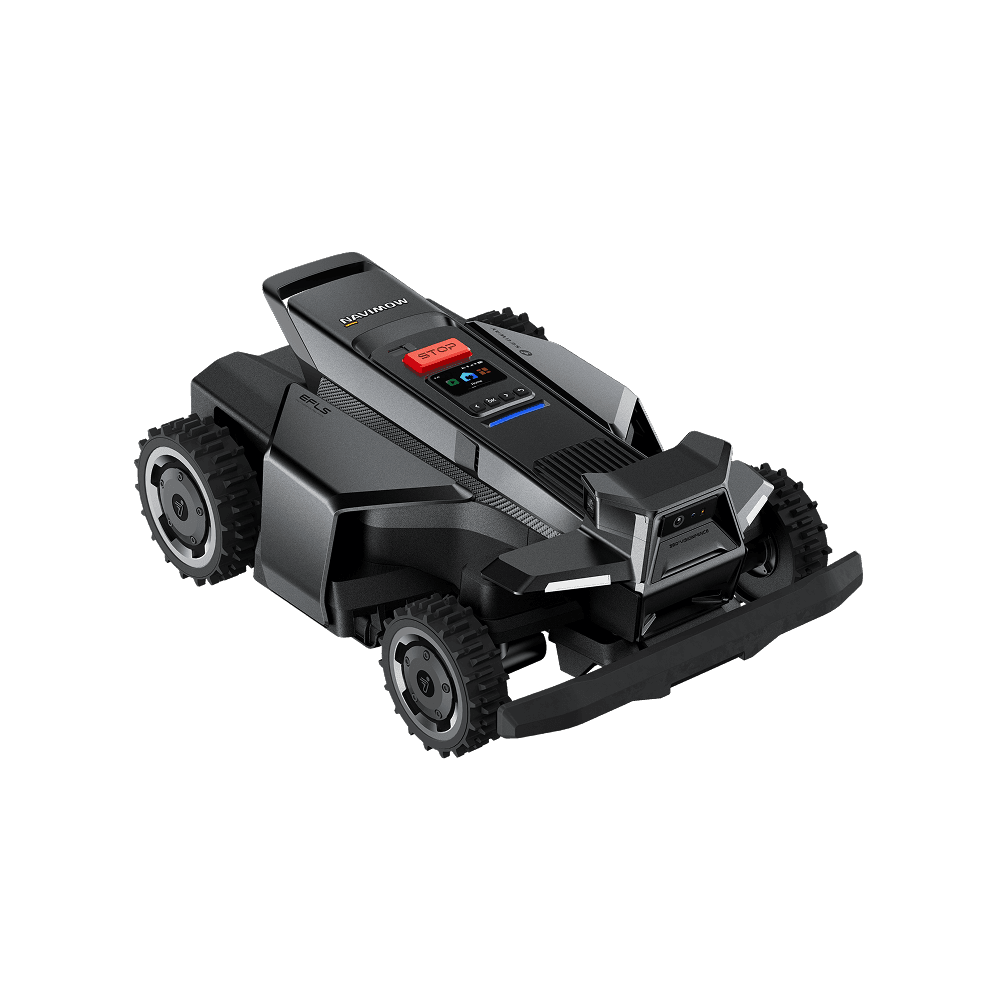
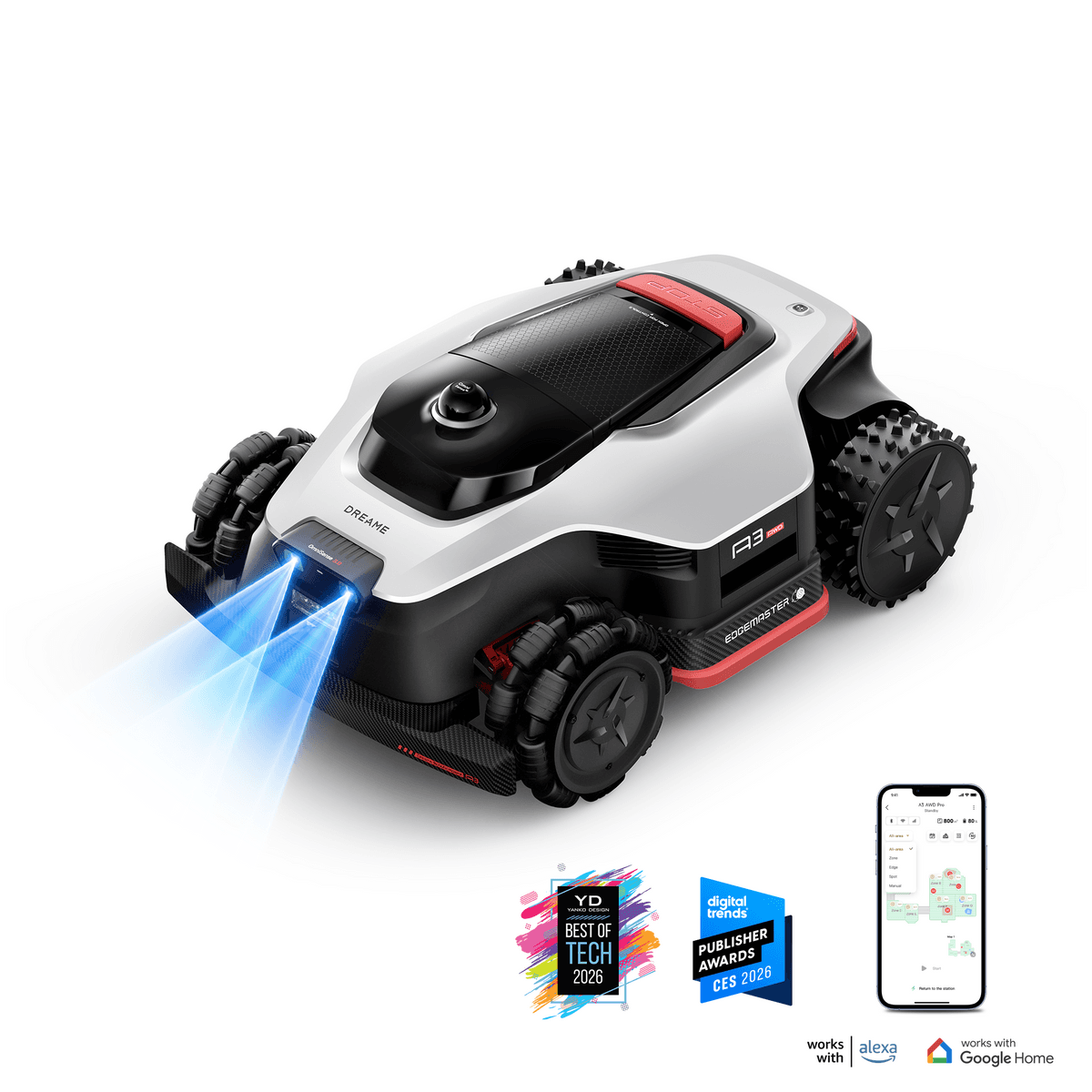
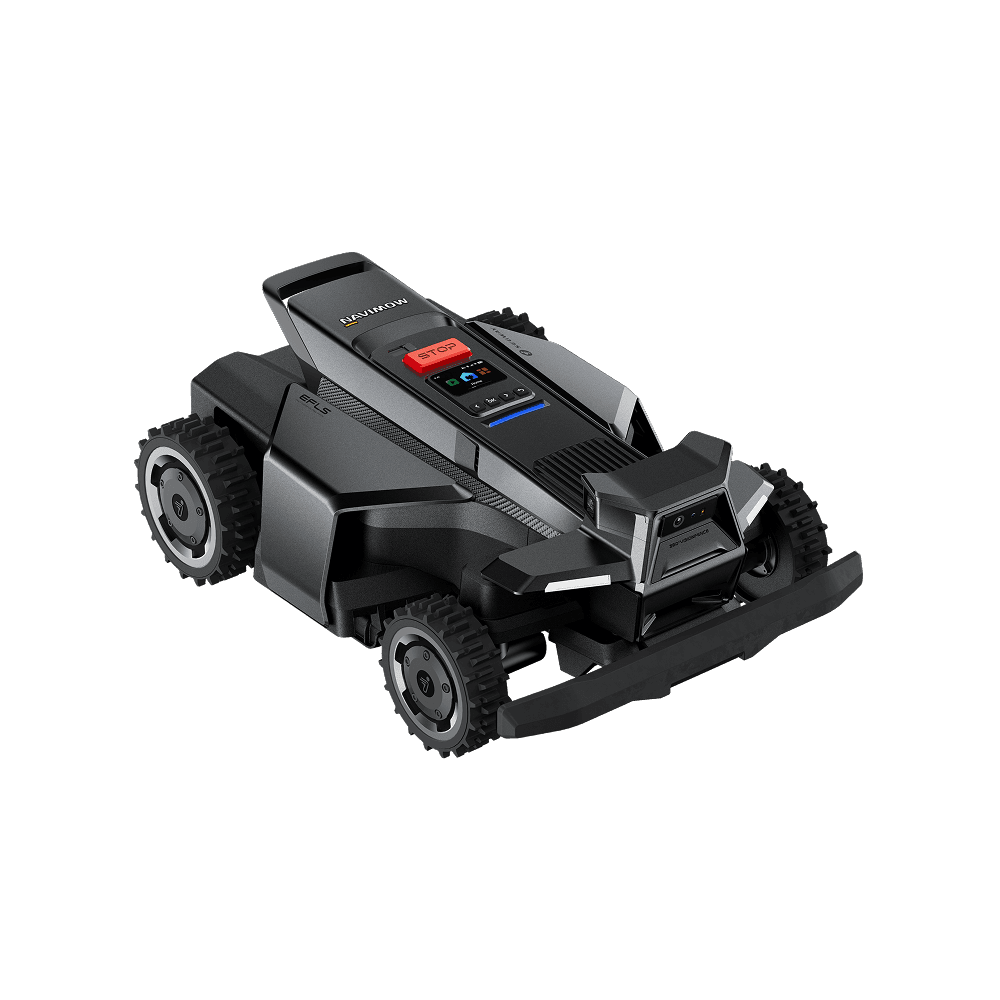
New in the catalog (September 2026): more antenna-free options. The Navimow i215 LiDAR (Score 70) maps with LiDAR and needs nothing on a pole; the WORX Landroid Vision Cloud WR320.1 (Score 71) gets RTK corrections over the internet with no antenna at home; and the ANTHBOT M9 (Score 75) and Navimow i206 AWD (Score 71) use network RTK, falling back to an included antenna only outside coverage. We have not re-ranked the picks below yet.
Simplest overall — ECOVACS GOAT GX-600 (out of stock) (MowScout Score 60). Vision navigation, no antenna, no wire, and a single mowing zone. There is almost nothing to configure, which is exactly the point. Sized to 0.15 acre, so this is a small-lawn machine, and its modest score reflects capability rather than setup experience — on ease of install it is the easiest thing we track.
Stock note, September 2026: ECOVACS's US store no longer lists the GX-600, and we found no US retailer with new stock. Until it returns, the O1000 LiDAR PRO below is the one to buy.
Best capable-and-easy — ECOVACS GOAT O1000 LiDAR PRO (Score 72). LiDAR mapping across 0.25 acre with 16 zones and good edge behaviour, and no clear-sky hardware at all. LiDAR builds its picture from the space around it rather than from satellite position, which is why it copes with tree cover that would force an RTK machine into antenna gymnastics.
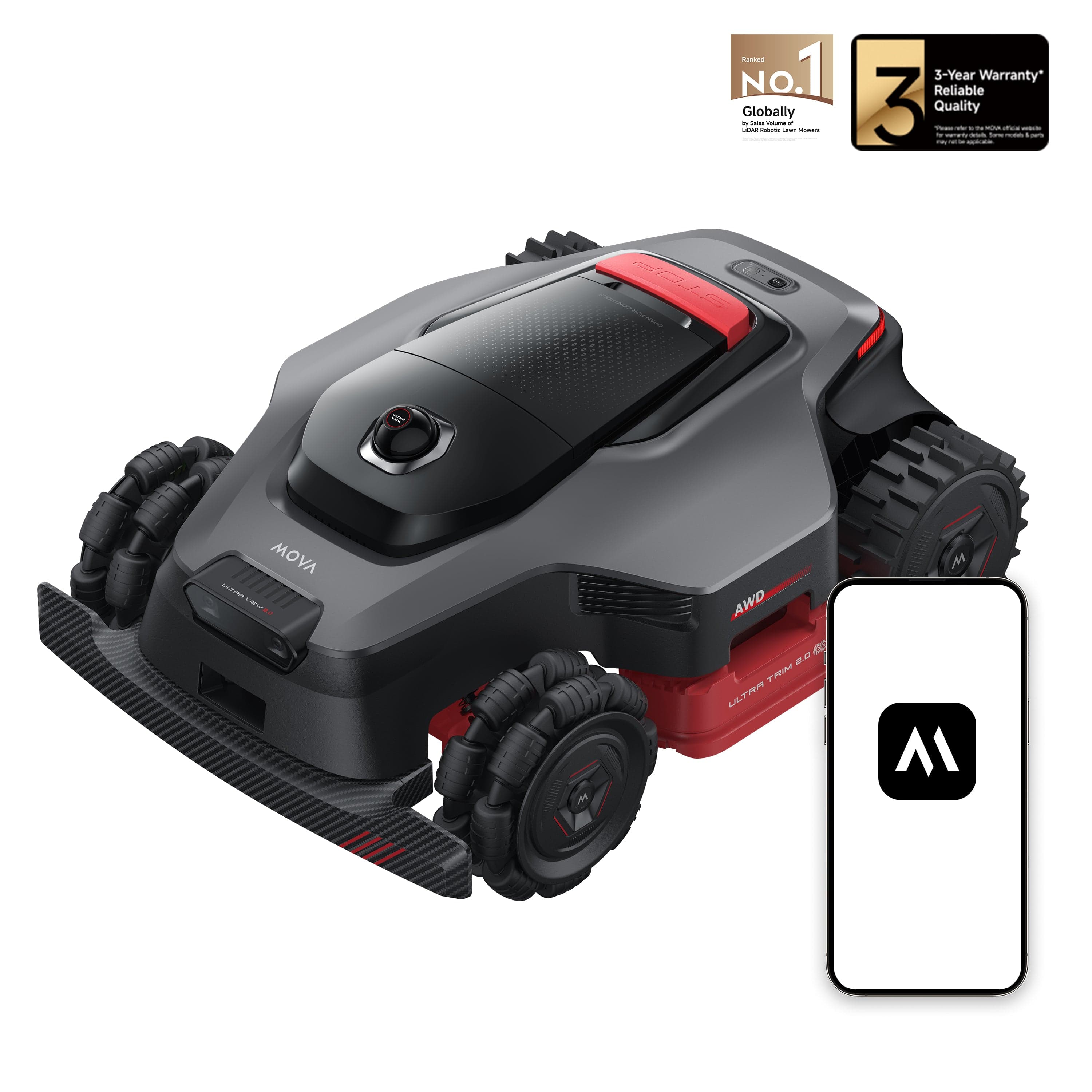
Half acre — MOVA LiDAX Ultra 2000 (Score 75). LiDAR, antenna-free, and 150 mapped zones, the highest count in our catalog. If your property is genuinely split into many areas, that zone headroom is what stops a simple install from becoming a complicated map. Note it is not rated for wet grass — see our wet grass guide if that matters for your lawn.
Up to an acre — Segway Navimow X430 (Score 89). Hybrid navigation with no antenna required, 1 acre of coverage, 120 zones, and an 84% slope rating. This is the clearest evidence that easy setup no longer means a small machine — it is one of the highest-scoring mowers we track and it installs without a mast or a wire.
Steep and easy — MOVA LiDAX Ultra 2000 AWD (Score 85). All-wheel drive to an 80% slope across half an acre, LiDAR navigation, no antenna and no wire. At September 2026 prices it is the least expensive genuinely steep-capable machine in our catalog that still installs simply. Like the two-wheel-drive 2000, it is not rated for wet grass. The Mammotion LUBA mini 2 AWD is the Mammotion alternative at the same slope rating. See the slope guide for how to measure whether you need AWD.
Easy setup no longer costs you capability
This used to be a real trade. Antenna-free meant a small vision mower for a flat, open lawn, and anything serious meant RTK hardware on a mast.
That is no longer true. Among the models needing neither antenna nor wire, our catalog now includes machines covering up to 1.5 acres, rated to an 80% slope, and mapping up to 150 zones. LiDAR and hybrid navigation delivered the convenience of vision systems at the capability of RTK ones, and the five machines that still require an antenna do so because of their platform, not because the capability demands it.
So if you were assuming you would have to accept a mast to get a serious mower, check the shortlist first. You probably do not.
What still takes time, whatever you buy
An easy install is not an instant one, and the remaining effort scales with your property rather than with the machine.
- Siting the dock. Level, powered, sheltered, with clearance for the mower to enter and
leave squarely. Getting this wrong causes docking failures that look like navigation faults.
- Teaching the map. Wire-free mowers learn the perimeter by being driven or walked around
it. An open lawn is quick; several zones, narrow side passages, and many beds take longer.
- Editing the map afterwards. Almost nobody gets it right first time. Expect to fence off
a soft corner or a root you did not think about.
- Tuning the schedule. Mowing little and often is what makes these machines work, and the
right frequency depends on your grass and season.
For a straightforward lawn, plan an afternoon. The buyer's guide covers what to check before you order, and RTK vs LiDAR vs vision explains why the navigation choice drives so much of the install experience.
App quality, honestly
Setup does not end when the mower is mapped — you interact with these machines through an app for the rest of their life.
Our app-quality ratings are worth reading with clear eyes: no model in our catalog earns a 5. Twenty-four are rated 4 and four are rated 3. A 4 means competent and usable rather than delightful, and the category as a whole has not produced app software anyone should describe as excellent. If a smooth app experience is decisive for you, buy toward the 4s and set your expectations at "works reliably" rather than "a pleasure".
The four models rated 3 are worth knowing about specifically if ease of ownership is your priority, because a weaker app makes every subsequent map edit and schedule change more tedious than it needs to be.
What the five antenna models actually buy you
It would be dishonest to present the antenna as pure cost. The five models that require one are not badly designed — they are making a different trade, and for some properties it is the right one.
RTK positioning works from satellite correction rather than from what the mower can see, which means its accuracy does not degrade in featureless open ground. A large, plain lawn with few landmarks is the hardest case for a vision or LiDAR system, because there is little for it to map against, and precisely the easiest case for RTK. That is why RTK suits large, open lawns, whether the corrections come from a local antenna or over the network; most of the biggest-coverage mowers in our catalog now use network correction instead of a mast.
The antenna is also a one-time cost. It is an afternoon of awkward work at install and then never again, whereas a mower that cannot hold position reliably on your lawn is a permanent irritation. If your property is open, large, and you are willing to mount hardware once, do not rule these out on install effort alone.
The case against is narrower than it looks, and it is mostly about trees. An antenna needs clear sky. A wooded or heavily shaded lot forces compromises — a taller mast, a longer cable, or a dock position chosen for the antenna rather than for the mower — and on some properties there simply is no good position. That, rather than the labour, is the real reason to prefer a LiDAR or hybrid machine on a tree-covered lawn. Our under-trees shortlist filters for exactly that.
Zones: the setup cost nobody budgets for
Install effort is not only hardware. The other half is teaching the mower your property, and that cost scales with something most buyers never check before ordering: zone count.
The spread in our catalog is enormous. The simplest machine here manages one zone. The most generous manage 150. A single-zone mower is trivial to set up and cannot handle a property split by a driveway, a gate, or a path. A 150-zone machine will map anything you have, but you are the one drawing those boundaries.
The practical rule: count the genuinely separate areas of your lawn — front, back, side strip, anything a mower cannot drive between unaided — and make sure your shortlist comfortably exceeds that number. Running at the ceiling means every future change forces a re-map.
Zones are also where an easy install quietly becomes a hard one. A mower that needs no antenna and no wire can still take a full afternoon if your property is five awkward zones connected by narrow passages, because the mapping work is proportional to the property rather than to the machine. Buying a simple-setup mower does not exempt a complicated lawn from being complicated; it just removes the hardware from the equation.
Which to choose
Work in this order:
- Measure your mowable area. It is almost always less than lot size, and it sets the
shortlist before anything else does.
- Rule out wire and antenna. That leaves 22 of 37 models.
- Check slope, because it removes options fast above 45%.
- Then pick on zones, edges and app.
Our yard-fit configurator applies all of these at once against measured area, slope and tree cover, and the pillar guide covers how setup effort sits alongside the rest of the buying decision. Pricing moves constantly on these models, so check live deals rather than budgeting from a figure in an article.